How-to
How to manage liabilities
In financial accounting, a liability is defined as the future sacrifices of economic benefits that the entity is obliged to make to other entities as a result of past transactions or other past events.
Managing liabilities
You can access the liability overview by clicking on Liabilities in the side-bar navigation.
This will open a page containing all registered liabilities in Pledger.io.
Adding a liability
You can add a new liability account by clicking the Add liability button in the top of overview page.
This will load the add form for liabilities.
The following fields should be filled when creating a new liability:
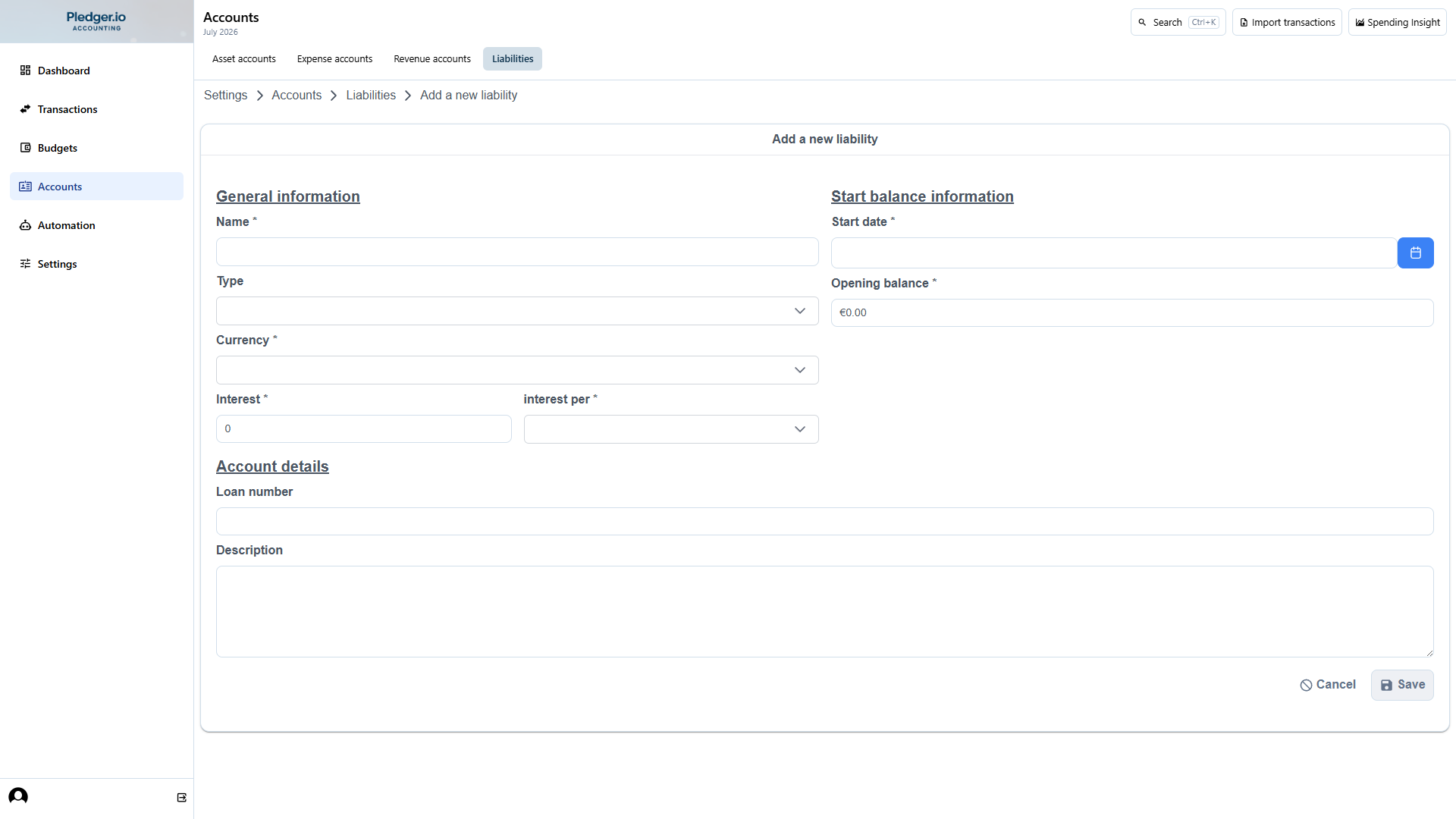
- Name of the account
- The type of liability, being debt, loan or mortgage
- The interest information
- Start date of the liability and its starting debt
WARNING: The opening balance and date cannot be changed after creation, verify its values before clicking the Save button.
Editing a liability
To update the meta-information of a liability account you can click the icon:square-edit[] icon in the overview page in front of the liability you wish to change. When changing a liability the same form is displayed as when you create a new one, with one exception: you cannot change the start date or the opening balance.