How-to
How to manage contracts
Contracts in Pledger.io represent recurring agreements with a company, such as a phone subscription, a rental agreement, or an insurance policy. Read Contracts in finance for background on the concept.
Managing contracts
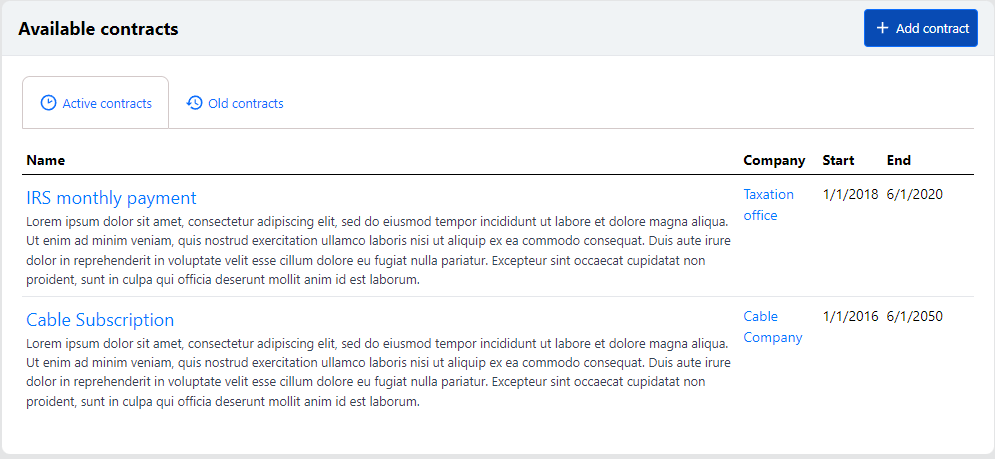
Open Contracts in the left navigation. The overview lists your contracts on two tabs: Active contracts and Old contracts for contracts that have ended.
Adding a contract
Click Add contract to create a new contract.
The following fields are available:
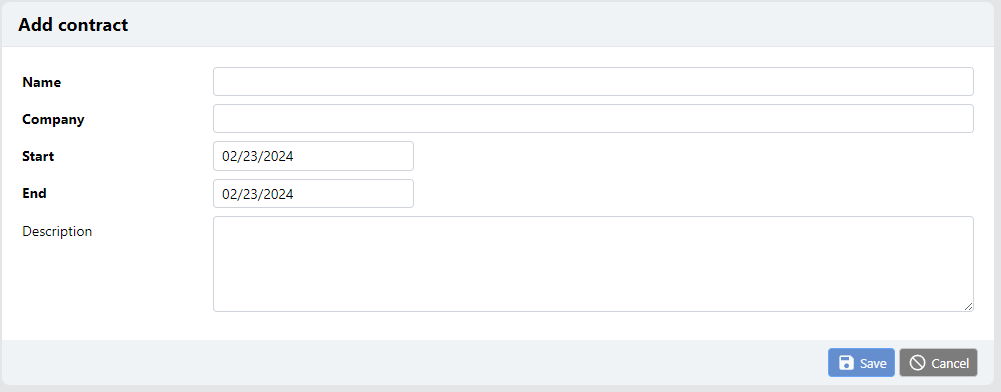
Name, a descriptive name for the contract.Company, the creditor account the contract is with, for example your energy supplier.StartandEnd, the period the contract runs.Description, optional details about the contract.
After saving, open the contract to see its details and the transactions linked to it.
Getting warned before a contract ends
From the context menu of an active contract you can choose to be warned before the contract ends. Pledger.io will then send you a notification ahead of the end date, giving you time to renew or cancel the contract.
Note
Expiry warnings are sent by mail and require the mail configuration to be set up.
Uploading a contract document
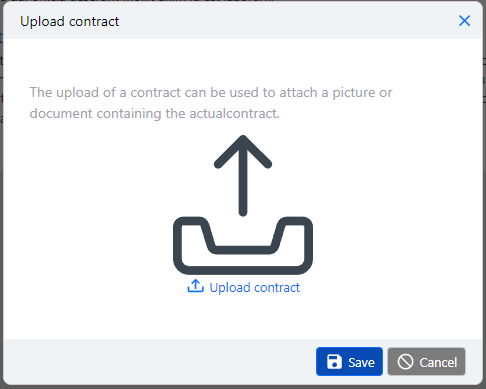
You can attach a copy of the contract itself, for example a PDF of the signed agreement. Use the upload action in the context menu of the contract to attach the file.
Scheduling a contract payment
From the contract’s context menu you can also create a scheduled transaction for the recurring payment. This automatically books the payment for you on the interval you choose.
Ending a contract
A contract can be deleted from its context menu after confirming. Ended contracts remain visible on the Old contracts tab so your history stays complete.