How-to
How to manage your accounts
In Pledger.io you can manage your accounts by creating, editing, and reconciling them.
The following separate type of accounts are available:
- Asset accounts, split in
- Banking accounts (including credit cards)
- Savings accounts
- Liability accounts
- Debtor accounts
- Creditor accounts
For a quick guide to help you with getting started with your first account setup see ‘ Creating your first account and transactions’.
Managing accounts
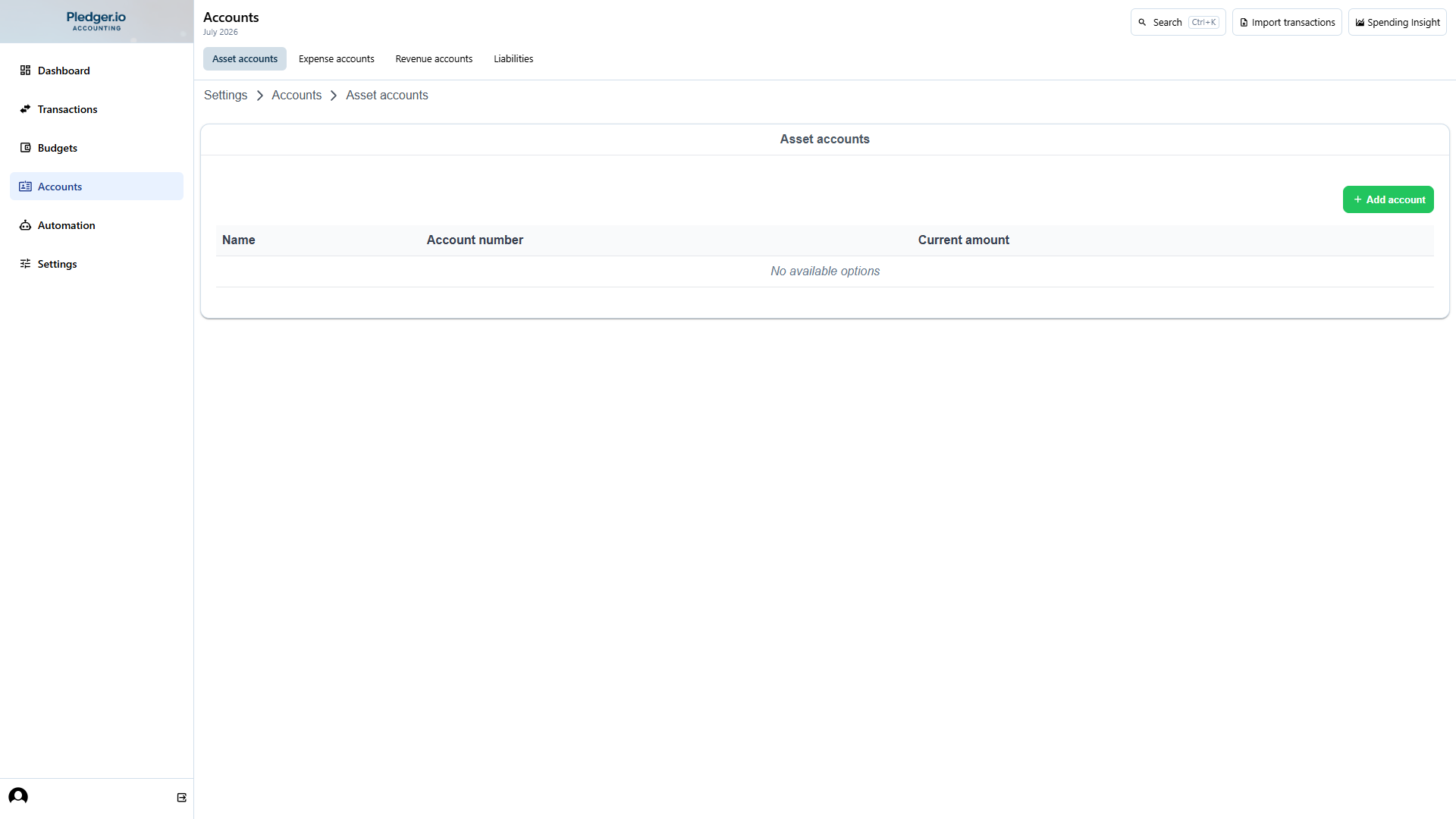
Open the Accounts section in the left navigation. Use the local section navigation to switch between account types (own accounts, creditor, debtor, and liability accounts). The overview page lists all accounts for the selected type.
Adding new accounts
Creating or editing accounts can be done by either clicking the Add account button in the top of the overview page or by clicking the icon:square-edit[] icon in the context menu.
You will be presented a form which allows you to enter all the account information.
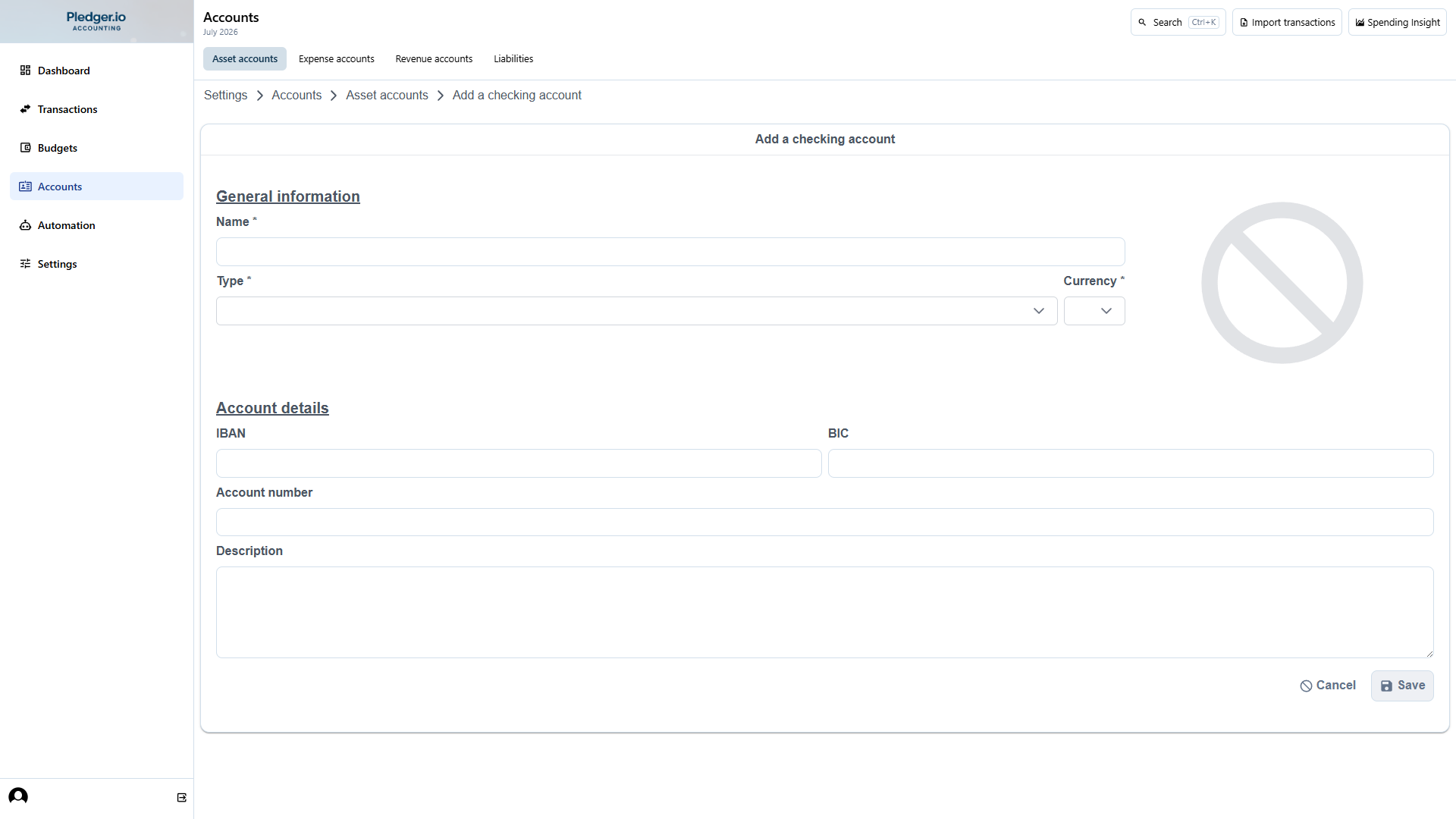
On this form the following fields are mandatory:
Name, enter a descriptive name for the accountCurrency, select one of the available currenciesType, the type of account you wish
Reconciling accounts
Account reconciliation can be used to correct any missing funds or transactions in Pledger.io. You can do this using a yearly bank statement you receive from your bank. Pledger.io will then add a transaction correction to match the years end balance with your bank statement.
You start an account reconciliation by clicking the icon:check[] icon in the context menu of the account you wish to reconcile. This will open a reconciliation form.
In this form enter the year you wish to perform the reconciliation for as well as the opening and closing
balance as indicated by your bank statement. Once you Save the reconciliation Pledger.io will compare the
opening and closing balance.
If the accounts closing balance is off then Pledger.io will automatically create a new transaction with the difference between the bank statement, and the recorded balance. If the opening balance differs then Pledger.io will not complete the reconciliation. The previous year should be reconciled before you can continue.
Correcting opening balance
When account reconciliation fails due to a mismatch in opening balances you will be presented with the reconciliation overview. This is displayed on the accounts overview page below the account list.
You can now either correct the opening balance manually. By creating a new transaction with the difference, or start an account reconciliation for the previous year by clicking the icon:hammer[] icon. Once the previous year is reconciled Pledger.io will automatically resume the incomplete account reconciliation as well.
If you have chosen to enter a manual correction then you can click the icon:redo[] icon to retry the account reconciliation.