Getting-started
Creating your user to login
Create your first user and start setting up your account.
After installing Pledger.io, you will need to create a user to login. This user will be the first user of the application and will allow you to login and start using the application.
Open your browser and navigate to the URL where you installed Pledger.io. You will be redirected to the login page.
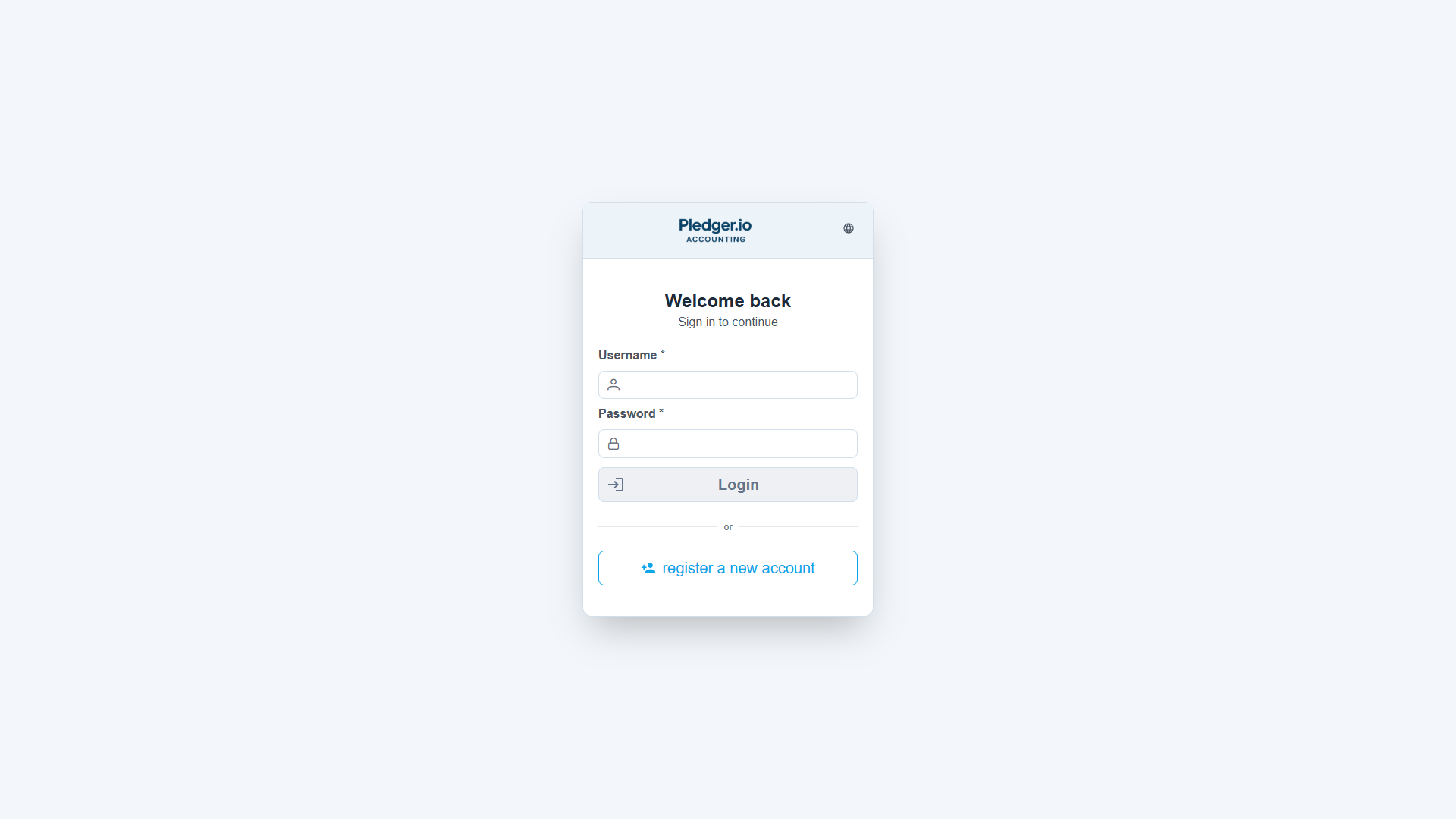
On this login page click on the “register a new account” link. This will open the registration dialog in which you can create your user.
In the registration dialog provide your email address and a password. Then click on the “Register” button to create your user.
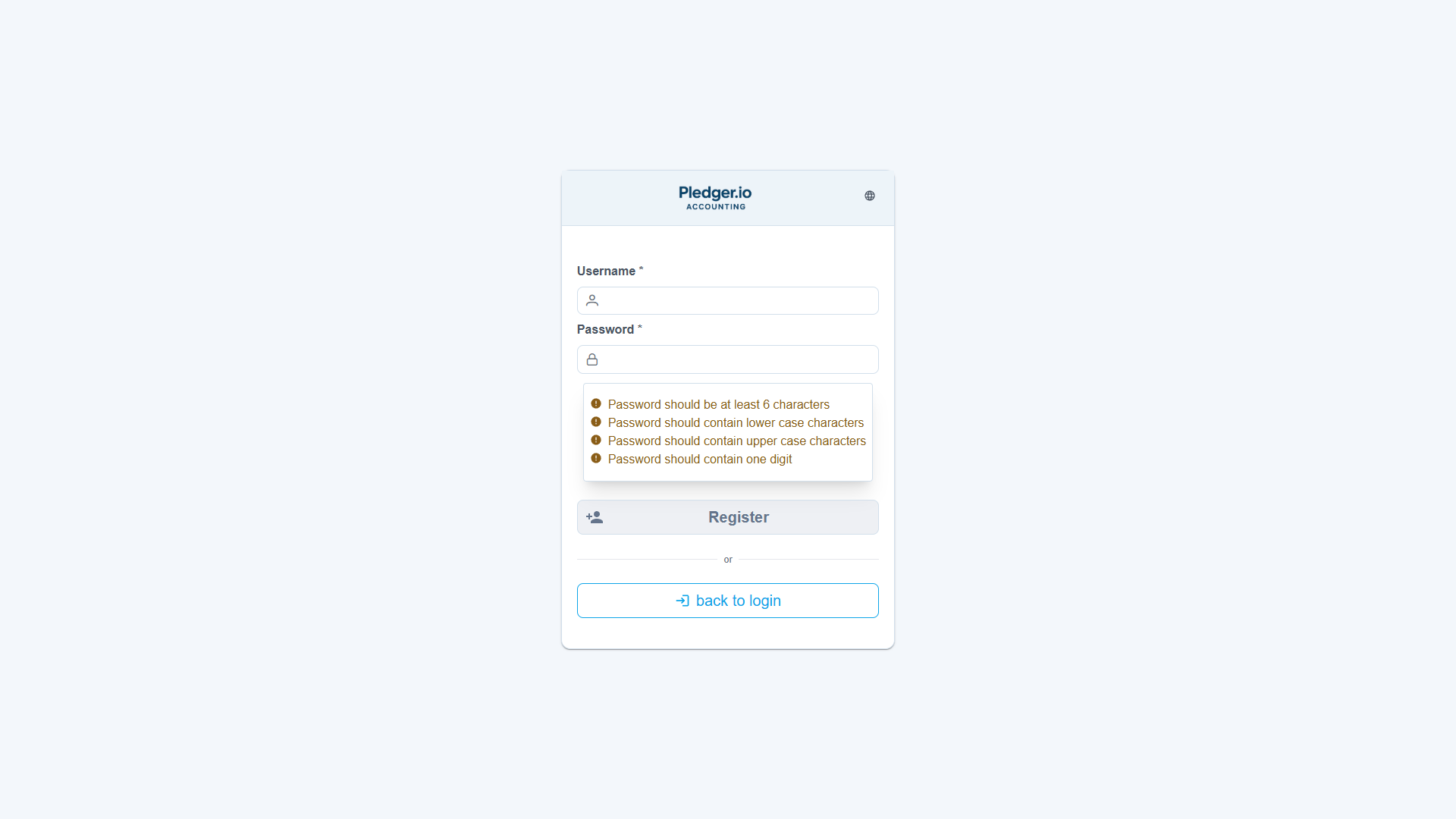
If an e-mail system was configured, you will receive an e-mail on your e-mail address to welcome you. You can now log in with the user you just created.
Last modified on July 4, 2026
Edit this page on GitHub